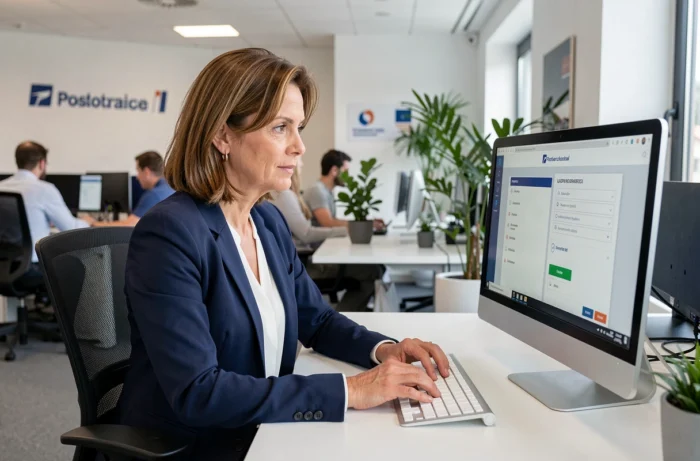
Time and activity management (GTA) at La Poste relies on several digital tools with distinct scopes. Understanding what each portal covers helps avoid being passed from one department to another and saves time on processes that can drag on for several weeks if they’re sent to the wrong place.
GTA and MaBoxRH: two separate tools for different needs
GTA stands for time and activity management. It refers to the module used by team managers to schedule working hours, track time balances and approve absences. It is not a single portal available to all employees: access depends on each person’s role within the organization.
MaBoxRH, by contrast, is each postal worker’s personal space. This is where employees can view their payslips, submit leave requests and update their personal details. The two are often confused because some processes—such as requesting leave—go through MaBoxRH for employees and the GTA module for managers.
In short: employees looking to view a document or submit a personal request should log in to MaBoxRH. Managers who need to organize their team’s schedule or approve absences use the GTA module. La Poste’s GTA portal explains the differences in scope between these two access points for each user profile.
Portail Malin closure: what’s changing for social benefits
As of January 1, 2026, Portail Malin is closed. The social benefits it managed (holiday vouchers, CESU, culture vouchers, sports and cultural activity offers, and support for caregivers) are no longer available through this channel. The associated personal data has been deleted.
These benefits are now managed by the CSE-E (establishment social and economic committees). This is a structural change: eligibility requirements, amounts and access procedures are set by each CSE-E rather than by a centralized portal.
There are two ways to contact the right person:
- The cse-laposte.fr website, where you can identify your CSE-E and find out which offers are available
- The CSE Central information and guidance line, which can be reached by phone
- Your manager and local HR representative, who can still handle complaints about an amount paid on a 2025 payslip for a benefit, through the MDARH procedure
This division of responsibilities often causes confusion. Postal workers looking for a “social benefit” through MaBoxRH won’t find anything: social benefits are no longer listed in the individual HR space. Requests must be made through the CSE-E.
HR request or social benefit: how to direct your request to the right place
In 2026, the most common challenge for both employees and managers is figuring out whether a request belongs in the HR process or the CSE-E process. The natural instinct is to look for all work-related information on MaBoxRH, even though this space is limited to individual administrative matters.
What MaBoxRH covers
Payslips, leave requests, updates to personal contact details, access to employee records and absence tracking remain available through MaBoxRH. Any process related to your employment contract or pay goes through this space.
What the CSE-E covers
Childcare assistance, holiday subsidies, cultural and sports offers, and support for caregivers: everything that was part of Portail Malin is now handled by the establishment social and economic committee. Each CSE-E can offer different benefits based on local priorities.
A postal worker who submits a request for “holiday vouchers” through MDARH may find it returned without being processed, as HR is not responsible for this type of request. The best approach is to first check what kind of benefit you’re looking for, then choose the appropriate channel.

Access and security: logging in to the right portal in 2026
How you log in to MaBoxRH and the GTA module depends on your position and access permissions. For login details, account recovery or security questions, La Poste’s official guidance and internal support are the only reliable sources.
Login guides published by third-party websites may contain outdated or incomplete information. Take particular care with password reset procedures: only internal HR support can guarantee access that complies with the group’s security rules.
Here are a few key points to keep in mind:
- Access to the GTA module is restricted to managers and team leaders, not individual employees
- MaBoxRH is available to all La Poste employees, including from a personal device, subject to the procedures set by the IT department
- If your account is locked, contact your local HR representative or the dedicated support team—not an external self-service form
The growing number of portals and the closure of Portail Malin have made it harder to navigate access options. Identifying what you need (administrative matters, scheduling or social benefits) before looking for login details can prevent most access issues. The quickest option is often to ask your local HR representative directly; they can point you to the right tool or CSE-E.